|
|
Print Options
|
  |
|
Items to Note:
-
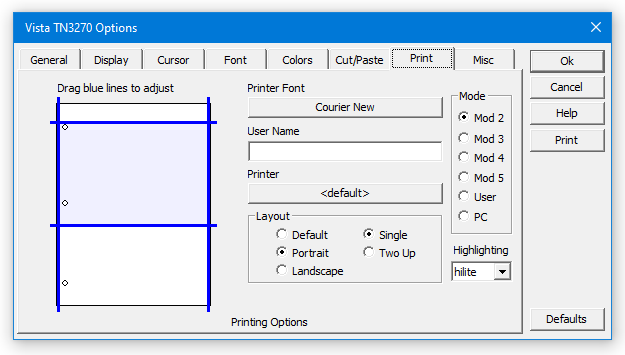
You can use this panel to setup your Vista session so that (for example) a Mod2 terminal will print as Portrait, but a Mod5 will print Landscape. Vista will alter the print layout automatically depending on the screen appearance at print time.
-
Other options, such as font and margins, are adjustable for each terminal model and print layout.
-
Two-Up printing is supported, which causes the first screen to be buffered until you print the second. Hitting the print key twice with no intervening keystrokes will cause Vista to temporarily revert back to a single page layout.
|
|
|

