|
|
Session Color
|
  |
|
Items to Note:
-
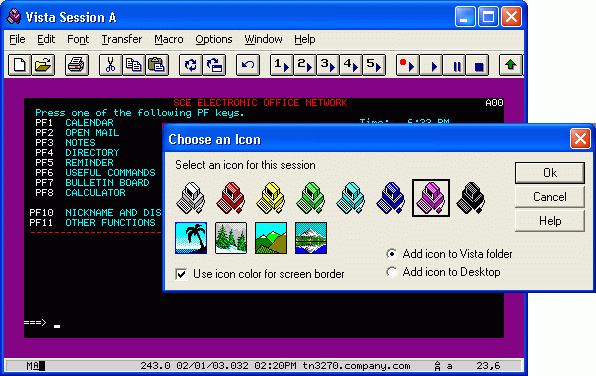
When running multiple Vista sessions, you might want to assign a different color icon to each session file. The selected icon appears at the upper left of the window, and also on the Window's Alt-Tab selection dialog. To further identify multiple windows, the window border can be changed to match the icon color, as in the File/Save-As example above.
-
In the example above, the border size was set very wide (see the font options panel) and set to an unusual color, in order to identify this session as something special - such as a Disaster Recovery test system.
|
|
|

